
TINY BREAKING
Volumetric performance capture for VFX, filmmaking, and real-time production. This full sample dataset tests the hard cases, fast motion and human occlusion: a breakdance routine captured by two independent rigs and processed through every Evercoast output pipeline, with Gaussian splats and mesh-based outputs all downloadable. Use it to evaluate quality, compare systems, and test playback integration.
RED KOMODO vs. RealSense D455
A breakdancer captured simultaneously by two independent Evercoast systems, providing a side-by-side benchmark of two different approaches to volumetric capture.
- RED KOMODO array — 36 cameras shooting 4K cinema-grade footage
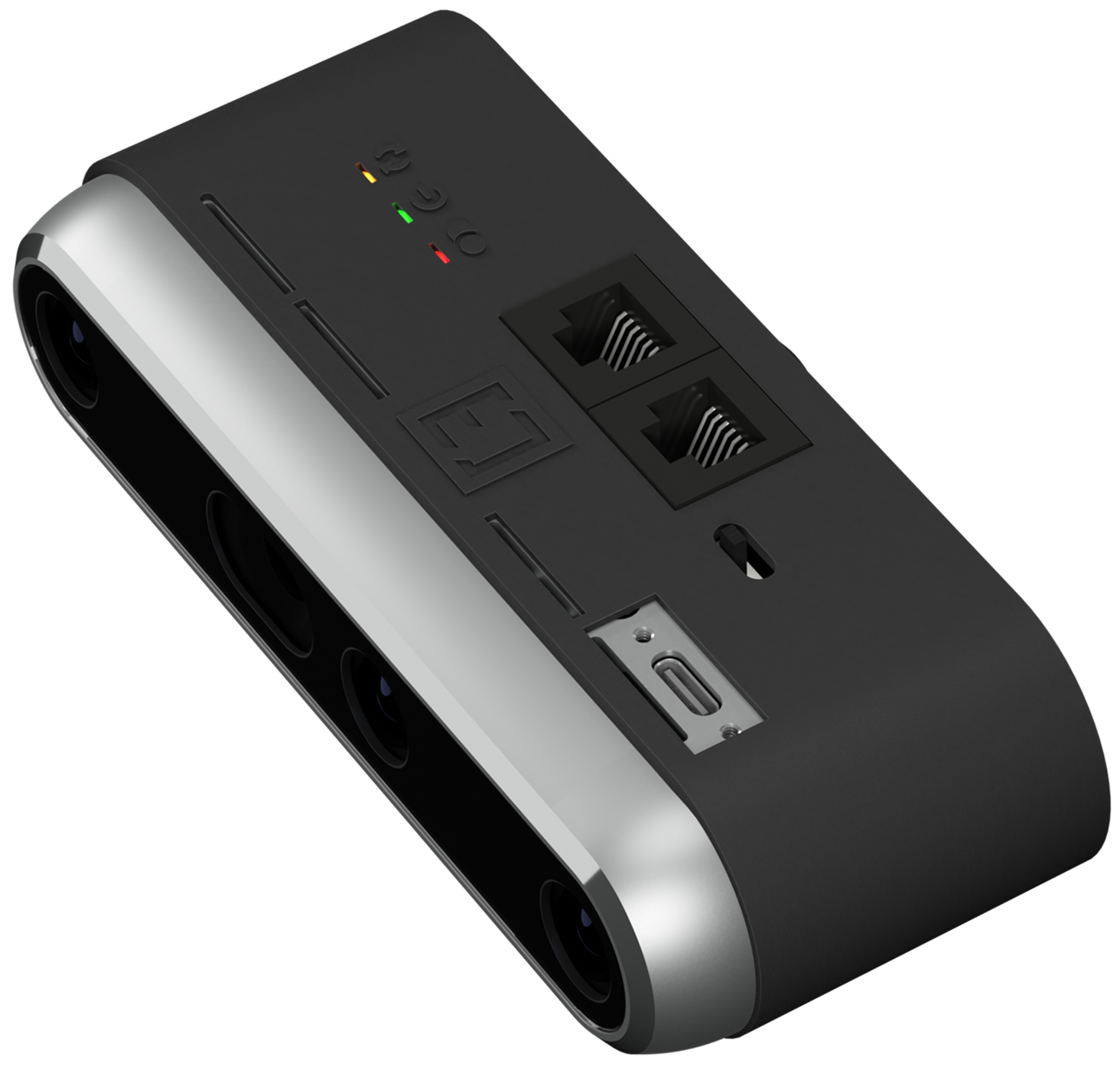
- RealSense D455 rig — 29 sensors capturing RGB-D
Each system was hardware synchronized, calibrated, recorded, and reconstructed independently, with cameras positioned similarly across the poles but never merged.
Two rigs, one performance
The same breakdance routine captured from similar vantage points using two very different sensor technologies. Compare the results across each output format below.
RED KOMODO
4K RGB- 36 camera positions
- Full 360° configuration
- Canon RF 15-35mm f/2.8
- 4K / 17:9 • 1/240 shutter • ISO 800
- 30 FPS

RealSense D455
RGBD Stereo Depth- 29 camera positions
- Full 360° configuration
- 1280 × 800 color
- 1280 × 720 depth
- 30 FPS
2D Raw Camera Data
Link to download the raw camera data (with calibration) for the TINY dataset.
What's in the download
- PNGs, straight off the RED cameras (converted from R3D). These are distorted and unedited.
-
calibration/ folder, with two sub folders:
- evercoast-format/ — our internal format. Within the
MODEL.jsonfiles you will find per-camera calibrated intrinsic parameters. - colmap-format/ — standard
images,cameras, andpoints3Dfiles, as PINHOLE camera models.
- evercoast-format/ — our internal format. Within the
4D Output Assets
Four categories of reconstructed output for each capture system. Download file sequences or stream-ready Evercoast formats.
Playback SDKs & Documentation
Integrate volumetric assets into your application with Evercoast's playback plugins. Stream ECZ and ECM formats in real time across major engines and the web.




Use Standard Formats Anywhere
Evercoast playback plugins are only needed for ECZ and ECM files, which support real-time streaming and compressed, optimized playback in Unreal Engine, Unity, and the web.
PLY and OBJ outputs are standard 3D formats that work in any professional workflow. Import them directly into Maya, Houdini, Blender, Cinema 4D, 3ds Max, Nuke, TouchDesigner, and other DCC and 3D tools — no plugins required.
Note that playback of per-frame file sequences varies by tool, and large datasets can be resource-intensive — ensure your machine and pipeline can handle the file sizes involved.
